THE TD5SPY DASH
Standalone TD5 OBDII module
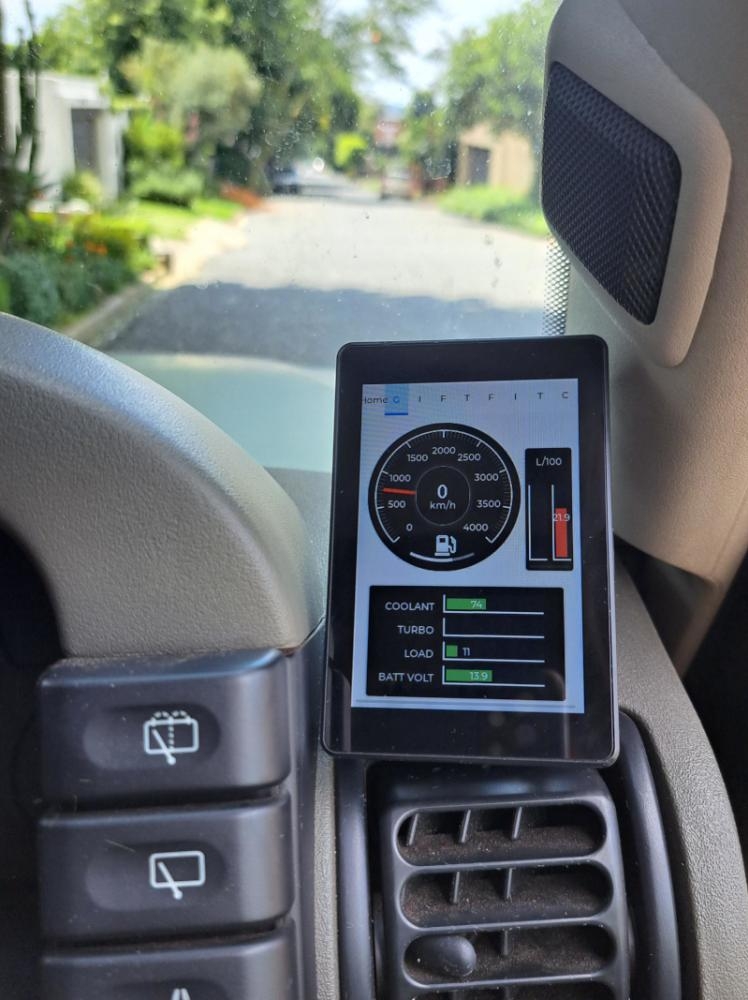
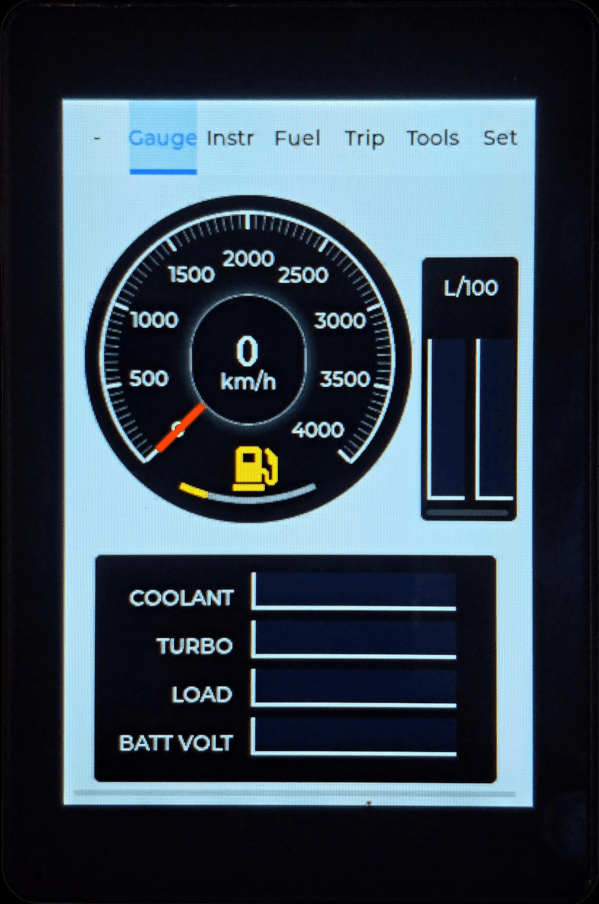
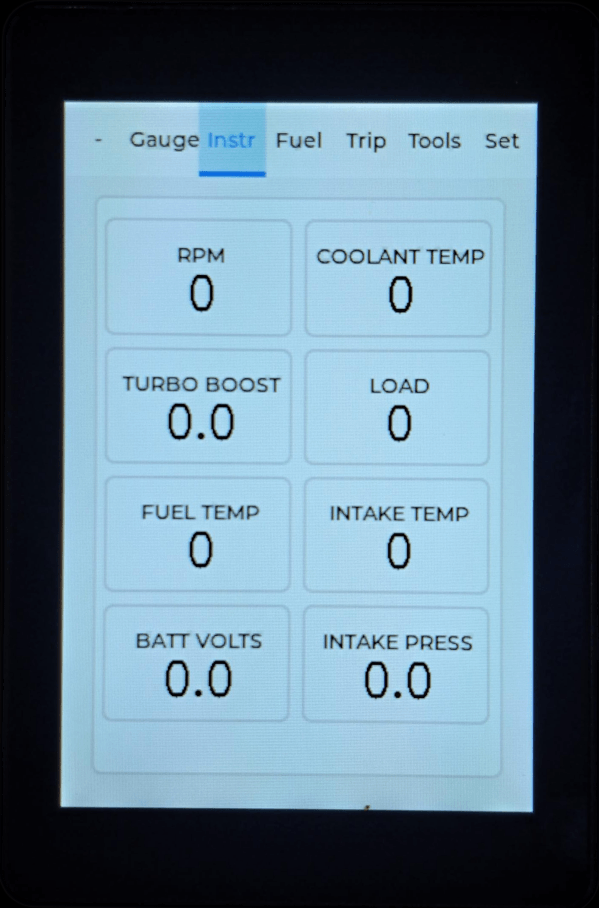
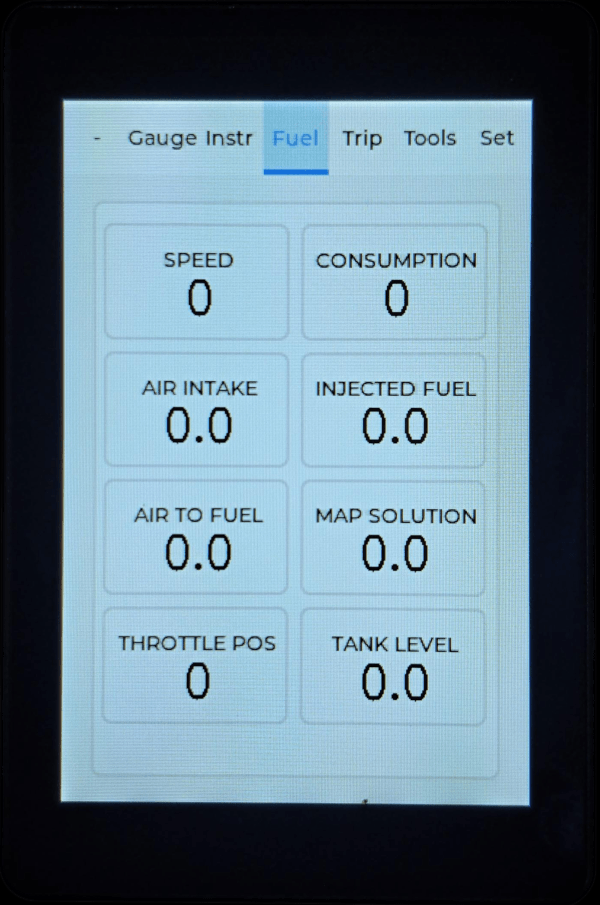
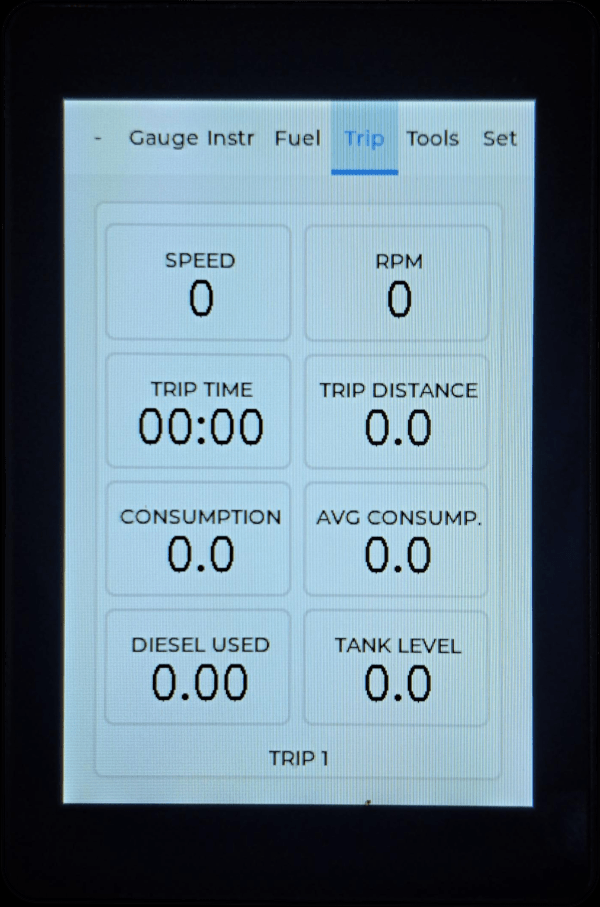
The TD5SPY DASH is for those who prefer not to use their cell phones for monitoring their landies but want a dedicated unit that can be mounted in the vehicle. Its taken us a while but we have risen to the occasion and launched the TD5SPY DASH.
This neat little unit, provides the same essential engine monitoring features as the origonal TD5SPY but is connected directly to the OBDII port on the vehicle.
The dimensions of the TD5SPY DASH are: 95 (L) x 63 (W) x 23 (H) cm.
FEATURES
The DASH unit is supplied with a number of cable options to suite different vehicles and mount locations. The basic cable provides power to the unit and connects to the OBDII connector.
In addition, the unit is also connected to the ignition power on the vehicle, so it connects and disconnects automatically when the vehicle is started or stopped. See our short video.
The unit has 2 modes of operation,
- OBDII
- OBDII + ADDITIONAL SENSORS.
The unit is supplied by default with the OBDII license enabled. A seperate license must be purchased to enable the ADDITIONAL SENSORS.
Powerful configuration options provide the following features:
- Alert configuration
- Portrait or Landscape display orientation
- Fuel tank settings
- Sensor management (if licensed)
- WIFI configuration with 'Over the Air' configuration and firmware updates
Unit is suitable for both TD5 Defenders and Discovery 2's
TD5SPY DASH ADDITIONAL SENSORS (OPTION)
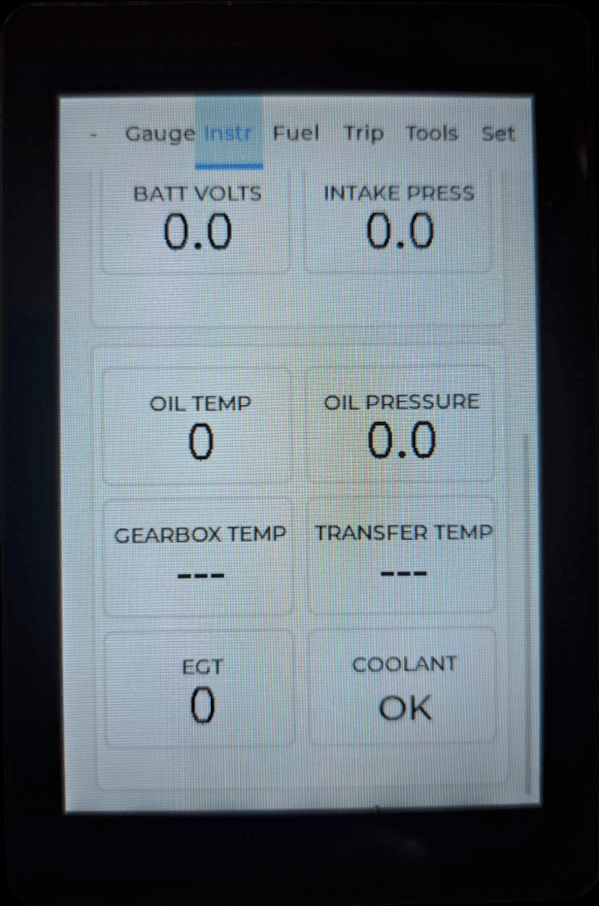
The TD5SPY DASH does more than just display engine ECU data, it also has the capability to connect to additional sensors that are not fitted as standard to Defenders and Discovery 2's.
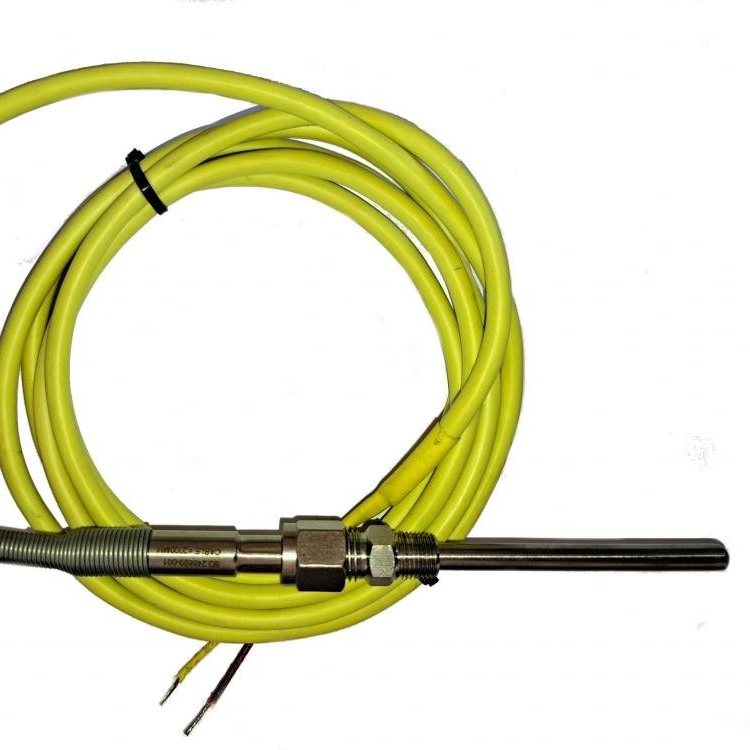
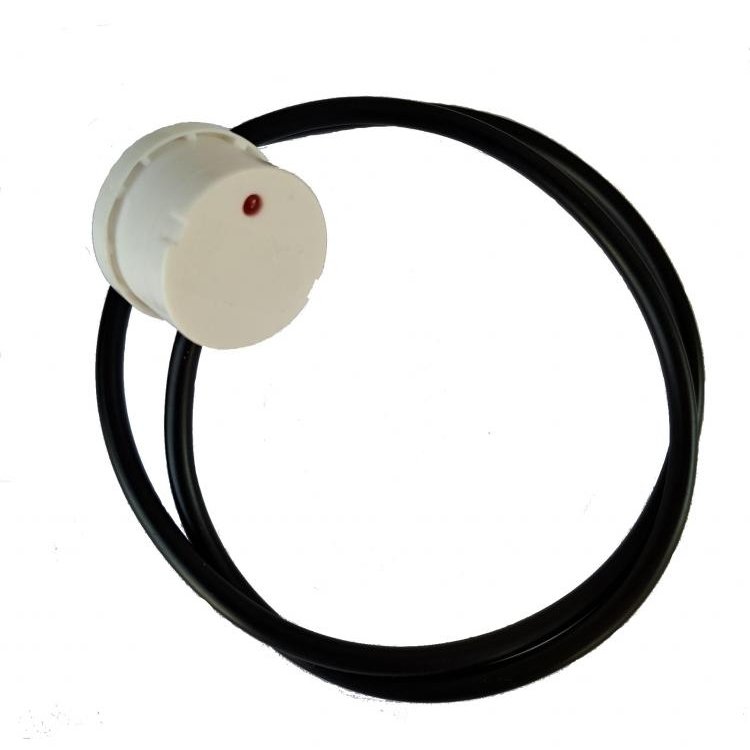
The sensors shown below can be purchased when the DASH Sensor license is activated. Various sensor adapters are also availlable to suite installations in different vehicles.
The following additional sensors are supported by the TD5SPY DASH:
- Coolant level monitor
- EGT probe (Exhaust temperature)
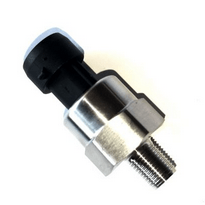
- Engine Oil pressure and temperature
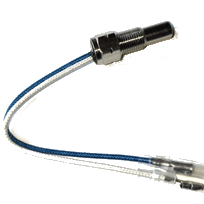
- Gearbox or Transfer box temperature
The TD5SPY DASH also supports one output port that can be used for either of the two functions listed below:
- Drive the vehicle oil warning lamp if the oil pressure switch is removed when fitting the oil pressure sensor.
- Drive a battery switching relay for Dual Battery control.
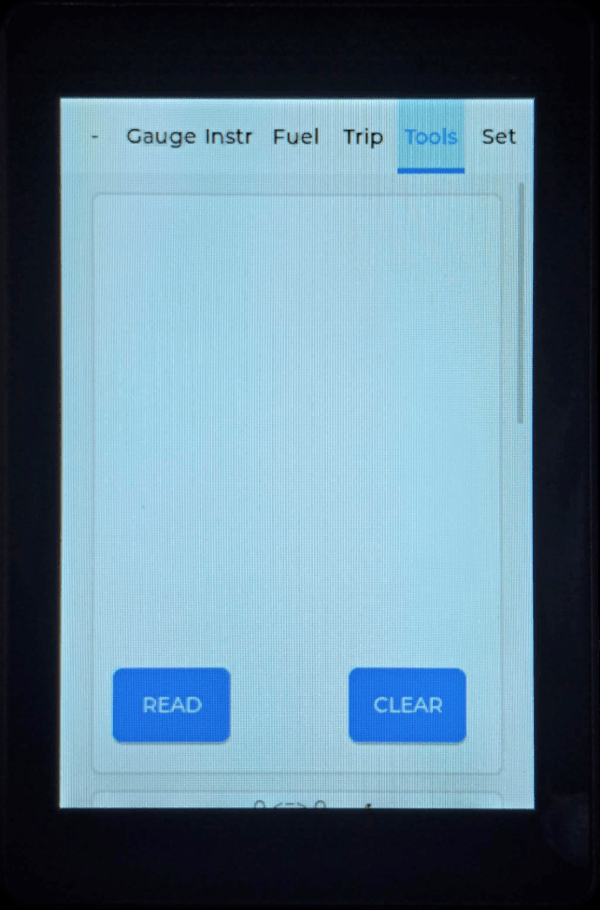
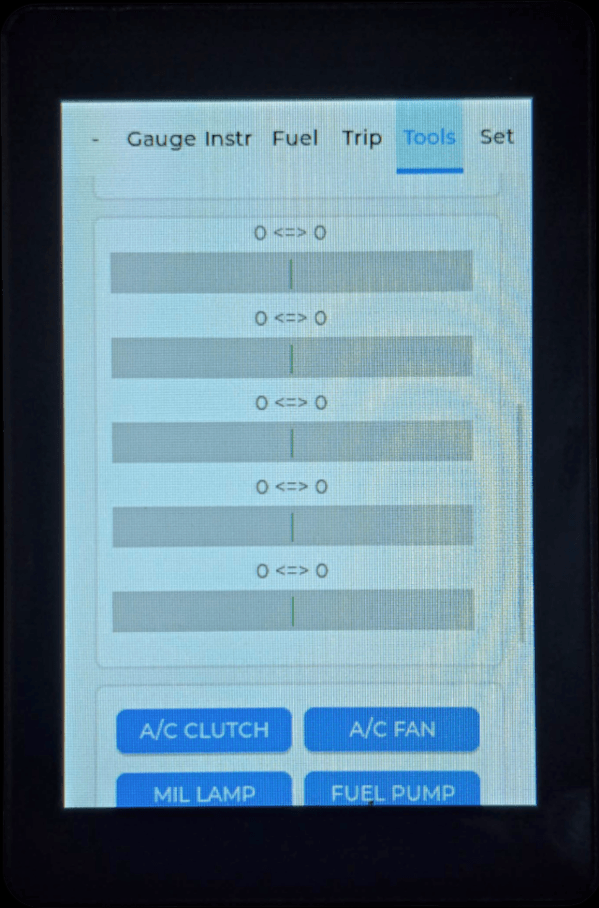
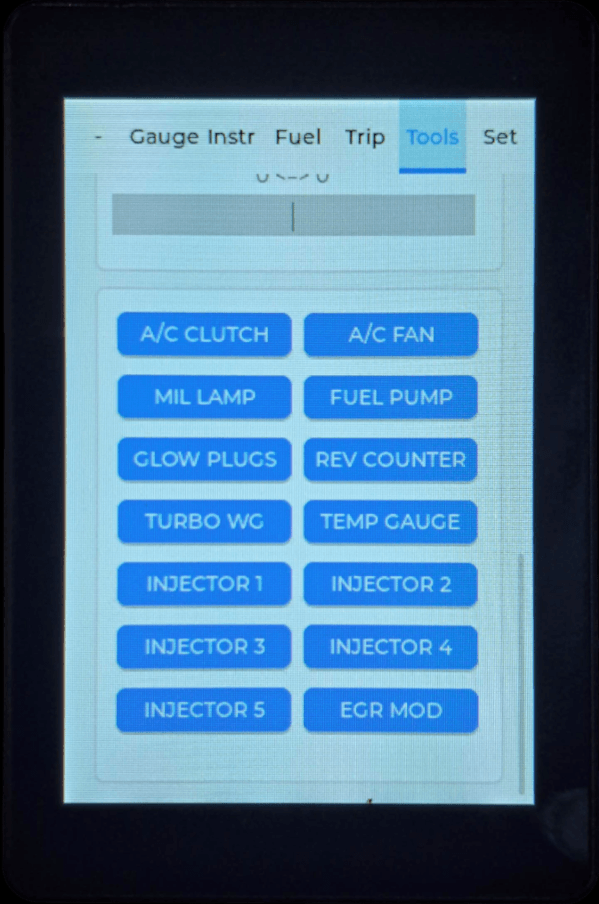
UNIT SETTINGS
Alert Settings
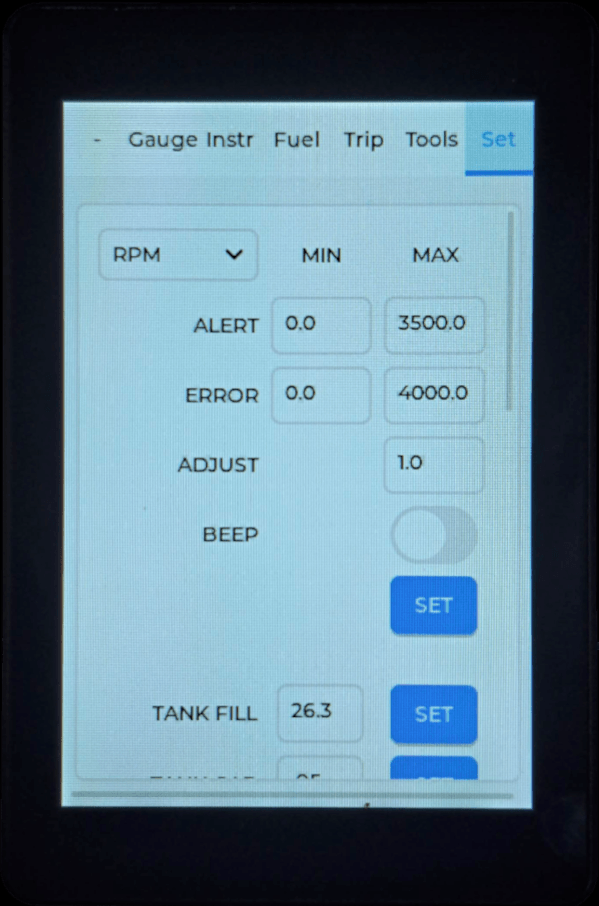
Navigate to the Set tab and select the sensor you wish to adjust from the drop-down box. You can then:
- Edit the Alert and Error miniums and maximums to the values you require
- Set the Adjust value if you wish to scale the readings
- Enable alert popups as well as alert beeps for the sensor using the Beep settings.
Update the sensor settings by clicking on the SET button.
Tank and Diesel Usage
Navigate to the Set tab and:
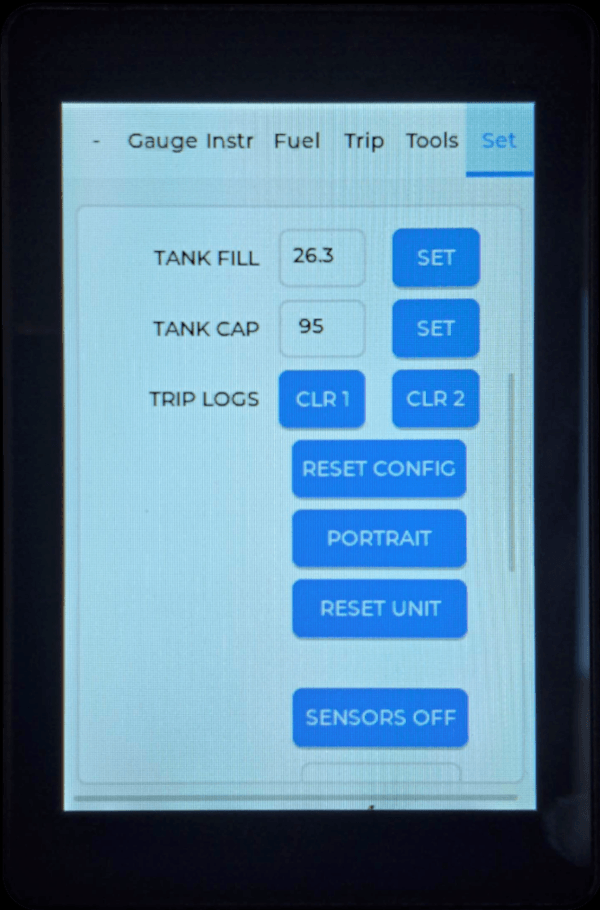
- Tank Fill: Enter your current tank level in litres. Click on SET.
- TANK CAP: Enter your tank capacity in litres. Click on SET.
Control Buttons
The following control buttons are available:
- RESET CONFIG: Clears the configuration back to default settings.
- PORTRAIT / LANDSCAPE: Set the orientation of the display.
- RESET UNIT: Resets the unit software. Please use this to reset the unit after performing the above 2 functions.
Additional Sensors
If you have purchased the Addition Sensors license, you can:
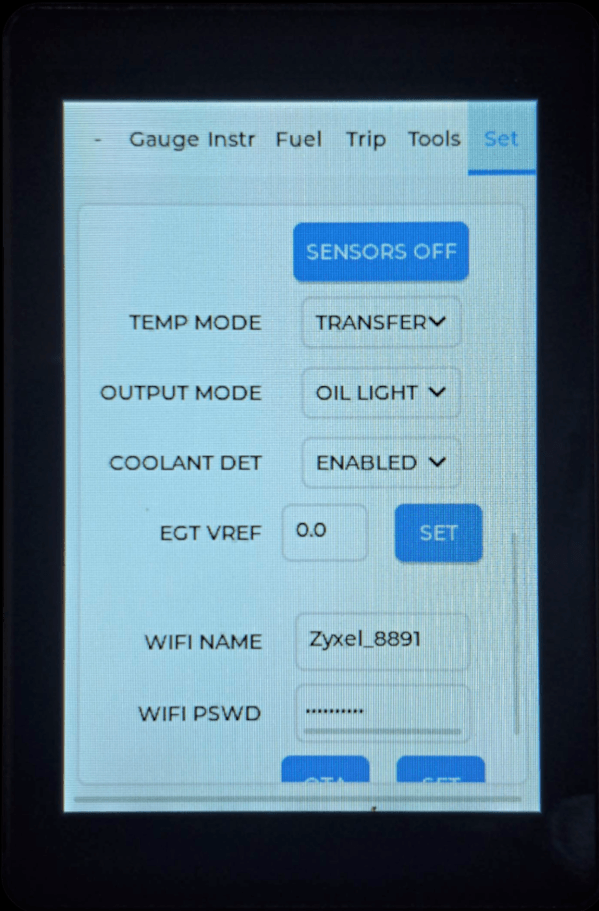
- Enable / disable the Additional Sensors display by clicking on the SENSORS ON / SENSORS OFF button.
- Set whether the temp sensor monitors the Gearbox or Transfer box.
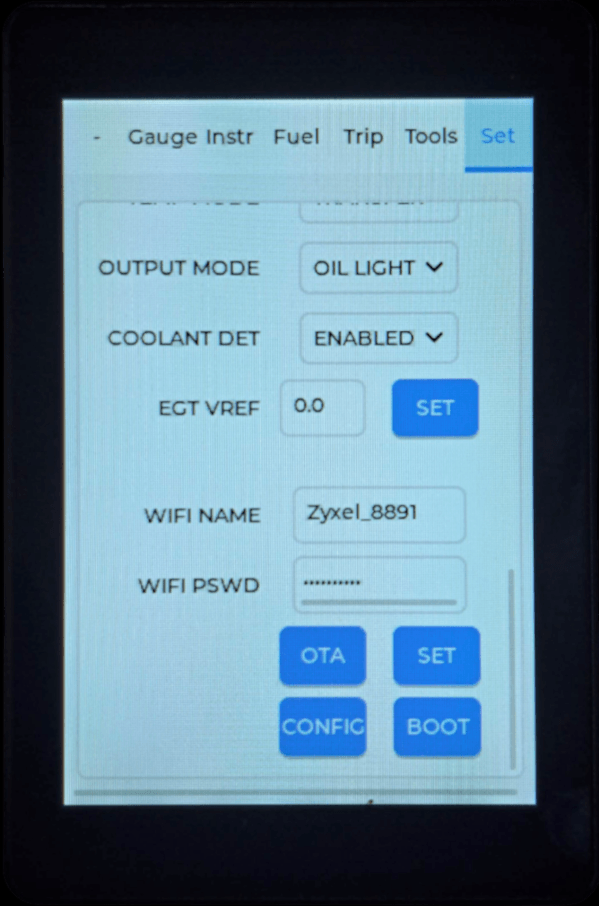
- Set whether the output controls the vehicle dash oil warning lamp or is used as a dual battery control.
- Enable or disable the Coolant level detector.
- Set the reference voltage Vref of the EGT probe circuit.
Trip Logs
Trip logs can be clear by clicking on the:
- CLR1: Clears current trip log.
- CLR2: Clears the running trip log.
WIFI and Server Updates
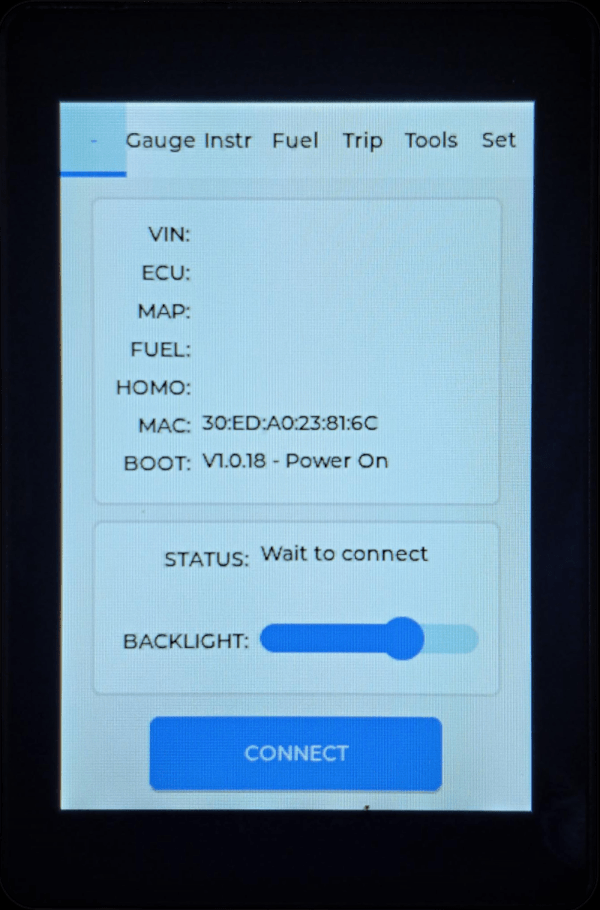
After entering your WIFI settings, you can update your units software (OTA button) or license configuration (CONFIG button).
To enter fallback BOOT mode, click on the BOOT button.